
The problem
In August a kindergarten teacher in Boise found out her report card had been replaced. The district had moved to scales-based reporting. The old card listed skills. The new one lists 36 "I am learning to..." statements across seven areas, marked on a new six-letter scale, reported at four points in the year.
Her working tools were two paper forms: a check-off sheet she marks at a small table while children work through tasks, and a reading tracker. Both were now wrong. The check-off sheet matched the old card, and the reading tracker still named a program the district had dropped.
October parent conferences were five weeks out, and she needed to start collecting evidence straight away.
What I built
The first thing I did was ask how she actually works, and the answer was paper. She pulls children to a table one at a time, and a pen is faster there than any screen. So the paper stayed, and everything else was built around it.
- New check-off sheets for each of the four marking windows. Her class list is already printed on them. I checked all 36 lines against the district's own card, one by one.
- A one-page scale reference that sits on the table and shows what each mark means for each line.
- A reading tracker for the district's new reading program, with a score range wide enough for her class.
- A simple app for her tablet or phone. She taps a child, taps a line, and logs what she saw. It saves to her own spreadsheet and works when the school wifi does not.
- A full-year workbook in that spreadsheet, so report card time means reading off what is already there instead of starting from a pile of paper.
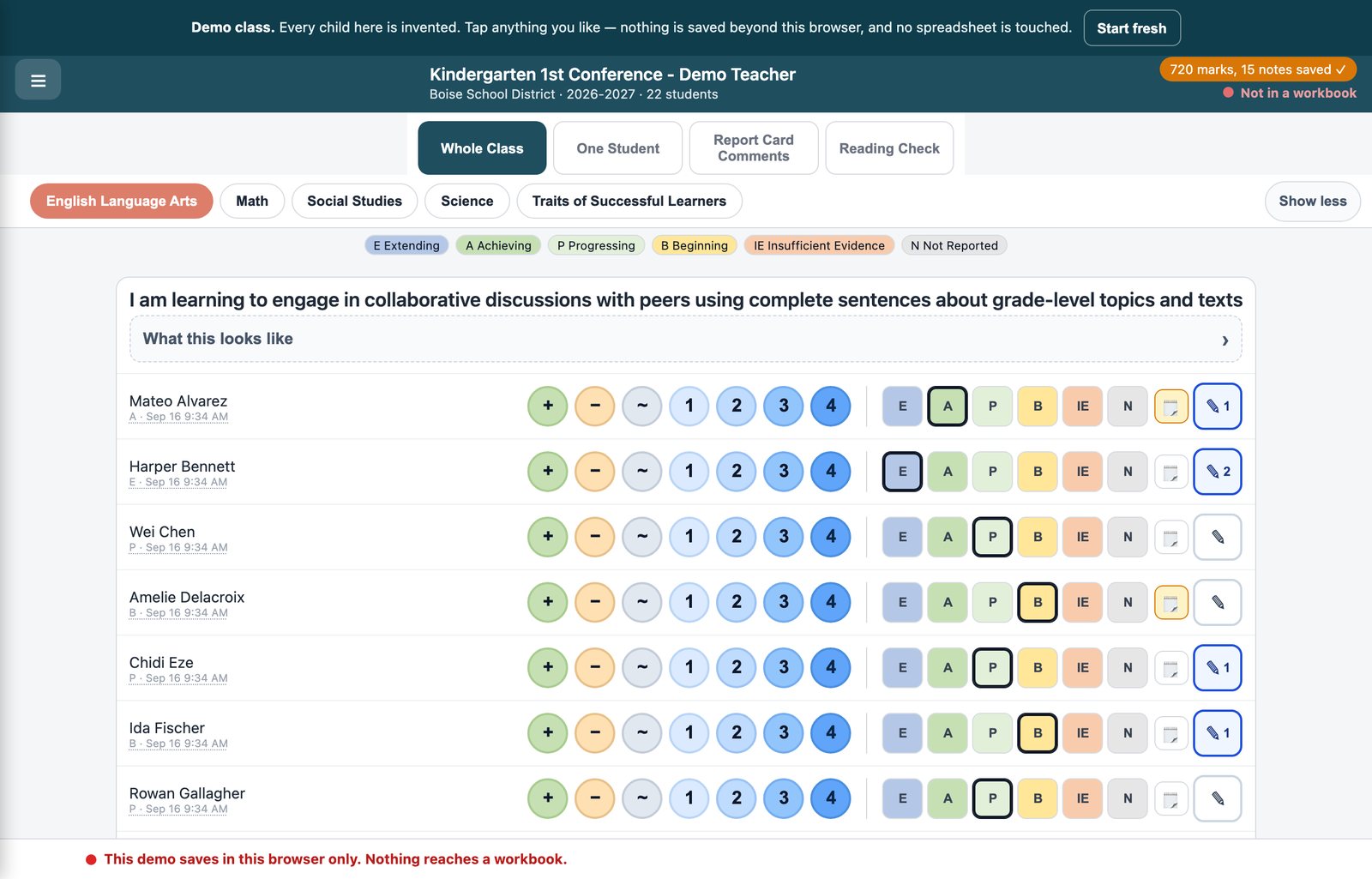
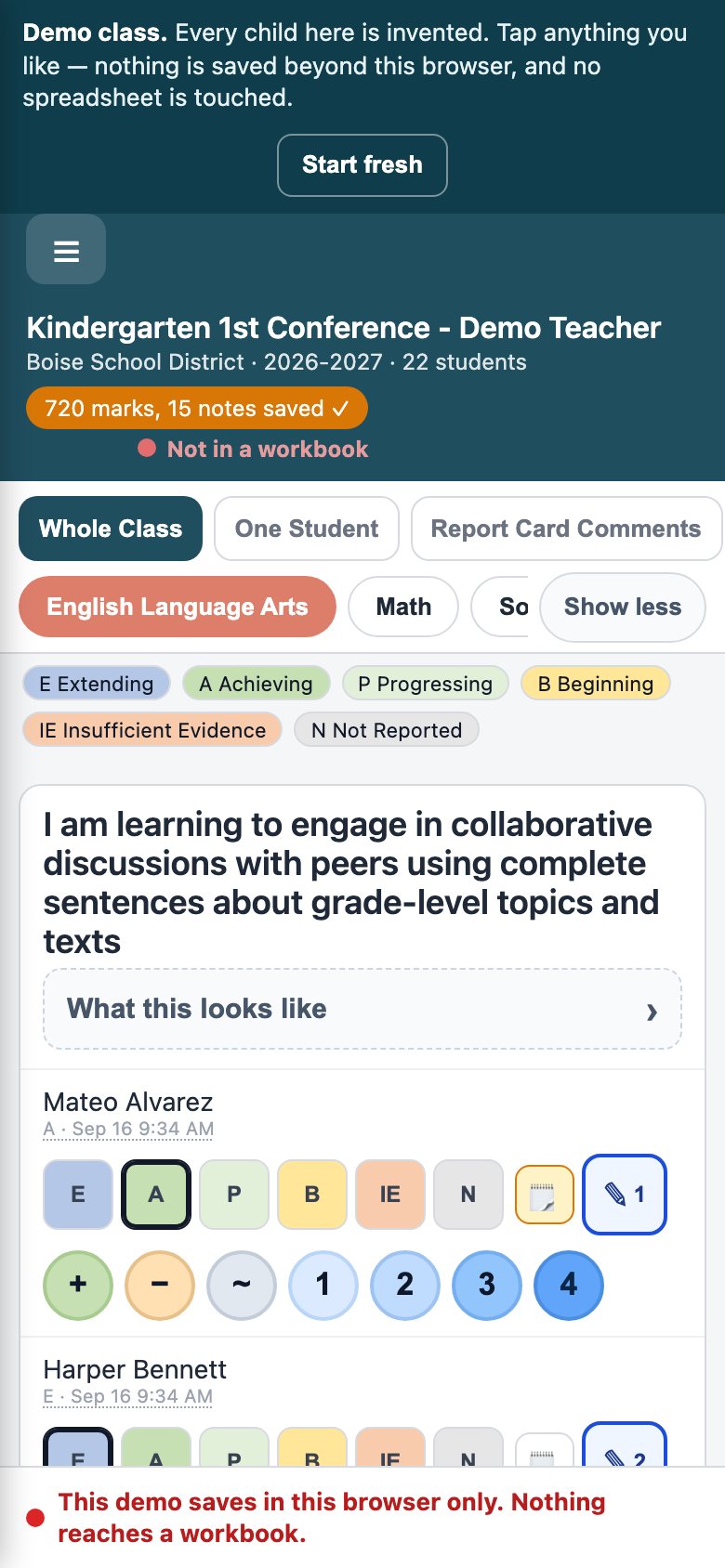
A second kindergarten teacher at the school asked for the same thing. She had her own copy with her own class within days, because the kit is built from the district's card rather than typed out by hand. A new grade or a new district is a matter of feeding in its card and curriculum.
You can click through the demo, which uses invented children: kinder-demo.kensmithadvisory.com
Keeping the children's data private
This is a class list of five-year-olds with notes on how each one is doing, so it gets treated that way.
- Each teacher's app is behind a sign-in. She types her school email, a six-digit code arrives, and she is in. There is no password to forget, and nobody else gets past that page.
- The records live in her own spreadsheet, in her own account, and not on my servers.
- The public demo holds no real children. Every name in it is made up.
Where it stands
Both teachers are using it now, ahead of October conferences. Some of it is still open, and I would rather say so than pretend it is finished:
- The district has not published scales for PE and Music, so those lines use the report card wording alone.
- Some quarter-by-quarter targets came from older district checklists. I have flagged them to check once the district confirms this year's versions.
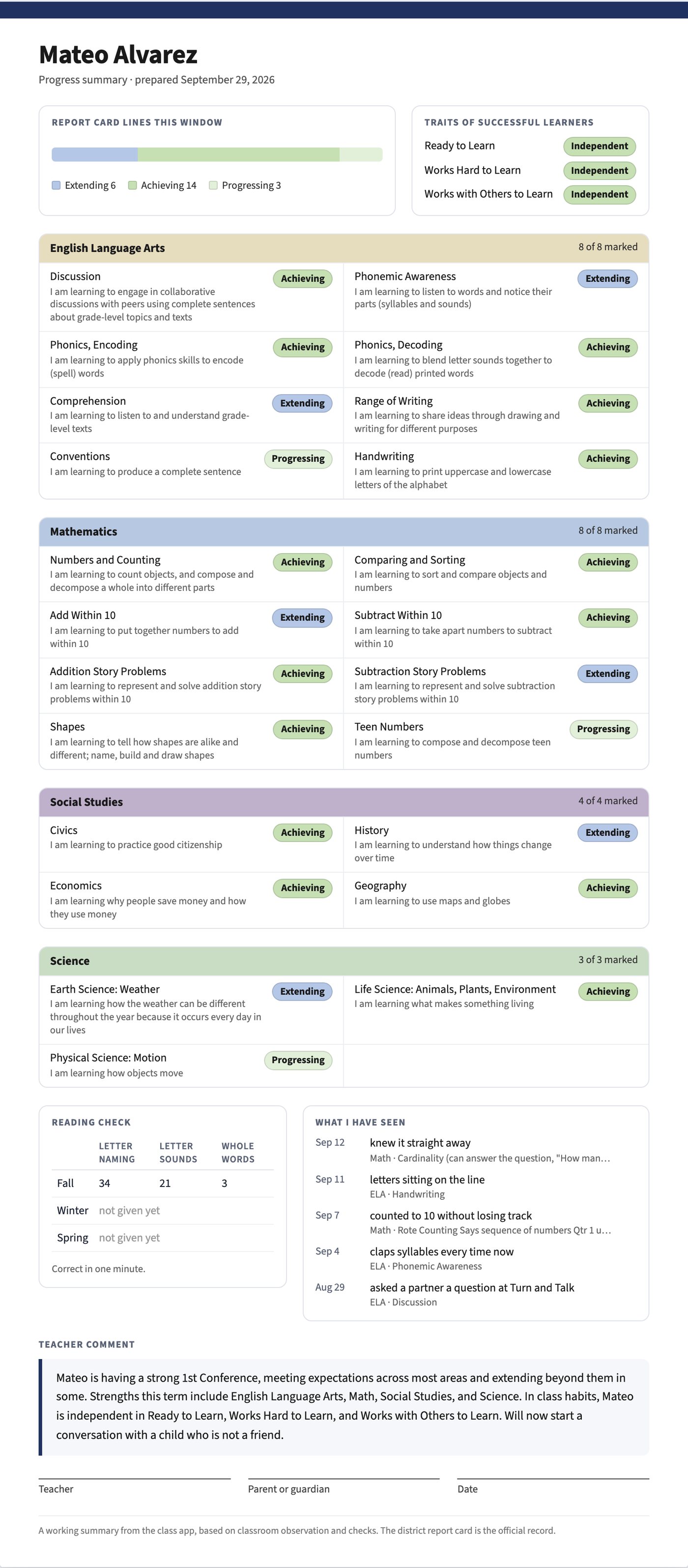
- Printable conference reports are designed but not switched on yet. The teacher decides first.
What this has to do with your business
A classroom is not a business, but the problem was one every small business has. The paperwork no longer matched how the work was measured, and there was a deadline.
What I did is the same thing I do for a business:
- Start from how you actually work. She kept her paper, and you keep what already works for you.
- Check every line against the source. For her that was the district's card. For you it is your price list, your services, and your real enquiries.
- Build it so it can be copied. The second teacher was set up in days. Your second location or your first hire should be just as easy.
- Hand it over so you can run it. It lives in accounts you own.